


Life gets busy. Between work, family and everything in between, finding time to sit in a waiting room isn’t always realistic – especially when all you need is a quick consult, script renewal or a medical certificate.
That’s where telehealth becomes your best friend.

Telehealth lets you see a doctor from wherever you are – at home, on a lunch break and even while your kids are napping – using your phone, tablet or computer.
But if you’ve never used it before, you might be wondering how telehealth works exactly. What can a GP actually help you with over the phone? And what happens after the appointment?
How telehealth works
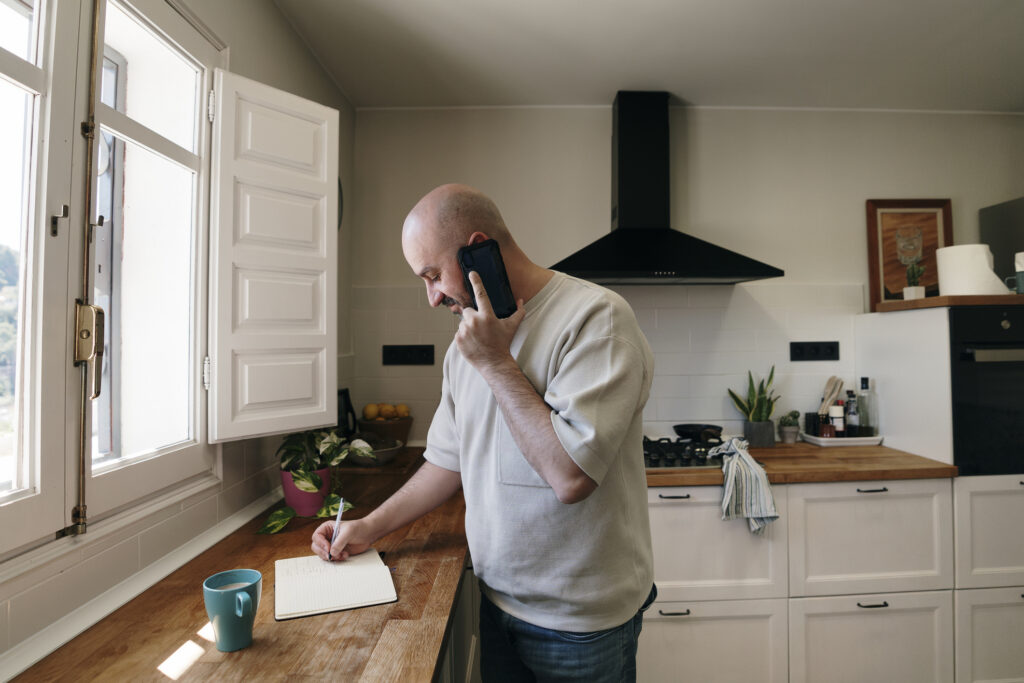
Telehealth is a medical consultation that happens remotely – over the phone or by video call – instead of in person at a clinic. Your doctor can listen to your symptoms, give medical advice, write prescriptions, issue referrals and so much more, all without you needing to ever leave the house.
It’s worth knowing that telehealth doesn’t replace your regular GP – it just complements them. Think of it as another way to get medical care when timing or distance is problematic.
What telehealth covers in Australia
A few of the biggest reasons why patients book a telehealth appointment include:
- General or common health concerns including, but not limited to, cold and flu symptoms, allergies and skin irritations.
- Prescription renewals and new scripts for medications.
- Referrals for specialists or diagnostic tests.
- Sexual health consultations.
- Online weight loss consults.
- Routine management of chronic conditions like diabetes or asthma.
If needed, a doctor can also provide you with an online medical certificate for work or school (up to 7 days) at their discretion.
What telehealth doesn’t cover in 2026
Telehealth does have its limits. If your doctor needs to physically examine you – to check a lump, listen to your chest, take your blood pressure or perform a procedure – they’ll ask for you to come in for an in-person visit.
Some conditions also need face-to-face consultations by law, especially when it comes to controlled medications. Your GP will always let you know if an in-person appointment is the better option.
Booking a telehealth appointment: A step-by-step guide
Ask your regular GP
Lots of clinics now have telehealth services alongside their in-person appointments. If you have an existing relationship with a GP, it’s worth checking whether they do phone or video consultations. You might be able to book directly through their clinic.
Use a healthcare marketplace
Healthengine lets you search for available telehealth GPs, compare appointment times and book online – all in one place. It’s a very handy option if your regular GP doesn’t do telehealth or if you need an appointment outside of standard clinic hours.
Check availability in your area
If you’re in a regional or remote area, finding a local GP with telehealth availability might take a bit of searching – but the good news is that telehealth removes the distance barrier entirely. You can learn more about getting telehealth services for rural areas or read our guide on how to find a telehealth doctor.
When booking, you’ll usually be asked to choose your appointment preference (phone or video), pick a time that suits you and give some details about the reason for your visit.
Some platforms like Healthengine offer on-demand appointments, where you can speak to the next available doctor within a shorter timeframe.

Attending your telehealth appointment
Once you’ve booked in, your provider will send you a confirmation – as well as a reminder via SMS or email – as the appointment approaches.
On the day, here’s how a telehealth call works. For phone consultations, your GP will call you at your scheduled time, so make sure your phone is nearby, charged and your ringtone volume is on. For video appointments, you’ll get a link to join the call (through an app or web browser).
If you’re wondering how telehealth video works – it’s very simple. You click the link, allow access to your camera and microphone and then you’re connected. There’s no special software to install in most cases.
Tips to get the most out of your appointment
- Find a private space where you can speak openly.
- Have any relevant health information handy – like a list of current medications or recent test results.
- Write down your symptoms or questions beforehand so you don’t forget anything in the moment.
- If it’s a video call, make sure your device is charged and your internet connection is stable. Make sure you give yourself plenty of time to set up before the appointment.
The consultation itself is pretty much like an in-person visit. Your GP will ask about your symptoms, discuss your medical history and give you advice or a treatment plan. The main difference is that it all happens through a screen or over the phone.
Next steps after your GP telehealth appointment
- Paying for your appointment: Payment is handled online but can vary depending on the provider. Your provider will let you know what to expect.
- Prescriptions: If your GP writes a script, they’ll send it electronically. You’ll get a token or notification – via SMS or through the app you used to book – which you can then present at any pharmacy to collect your medication. No paper script needed.
- Referrals and certificates: These are emailed or sent through the platform. Medical certificates can be issued on the spot during your consultation and delivered to your inbox within minutes.
- Follow-up appointments: If your GP wants to check in on your progress or needs to reassess your condition, they’ll recommend a follow-up – which could be another telehealth appointment. You can book this straight away or schedule it for later.
Healthengine makes telehealth simpler
With Healthengine telehealth, you can search for available telehealth GPs, book an appointment in just a few taps, consult from your phone or PC, get your scripts, certificates and referrals plus so much more – all on the one platform.
With the Healthengine app on Android or Apple, you can also save your regular GP as a preferred provider: making it even faster to book next time.
Healthengine makes it as easy as possible to use telehealth – from finding a provider to booking, attending your appointment and managing everything that follows afterwards.
All content and media on the HealthEngine Blog is created and published online for informational purposes only. It is not intended to be a substitute for professional medical advice and should not be relied on as health or personal advice. Always seek the guidance of your doctor or other qualified health professional with any questions you may have regarding your health or a medical condition. Never disregard the advice of a medical professional, or delay in seeking it because of something you have read on this Website. If you think you may have a medical emergency, call your doctor, go to the nearest hospital emergency department, or call the emergency services immediately.